Make Questions That Matter
Turn what you are teaching into questions that help people think, remember, and explain.
Generate
Start With What You Already Have
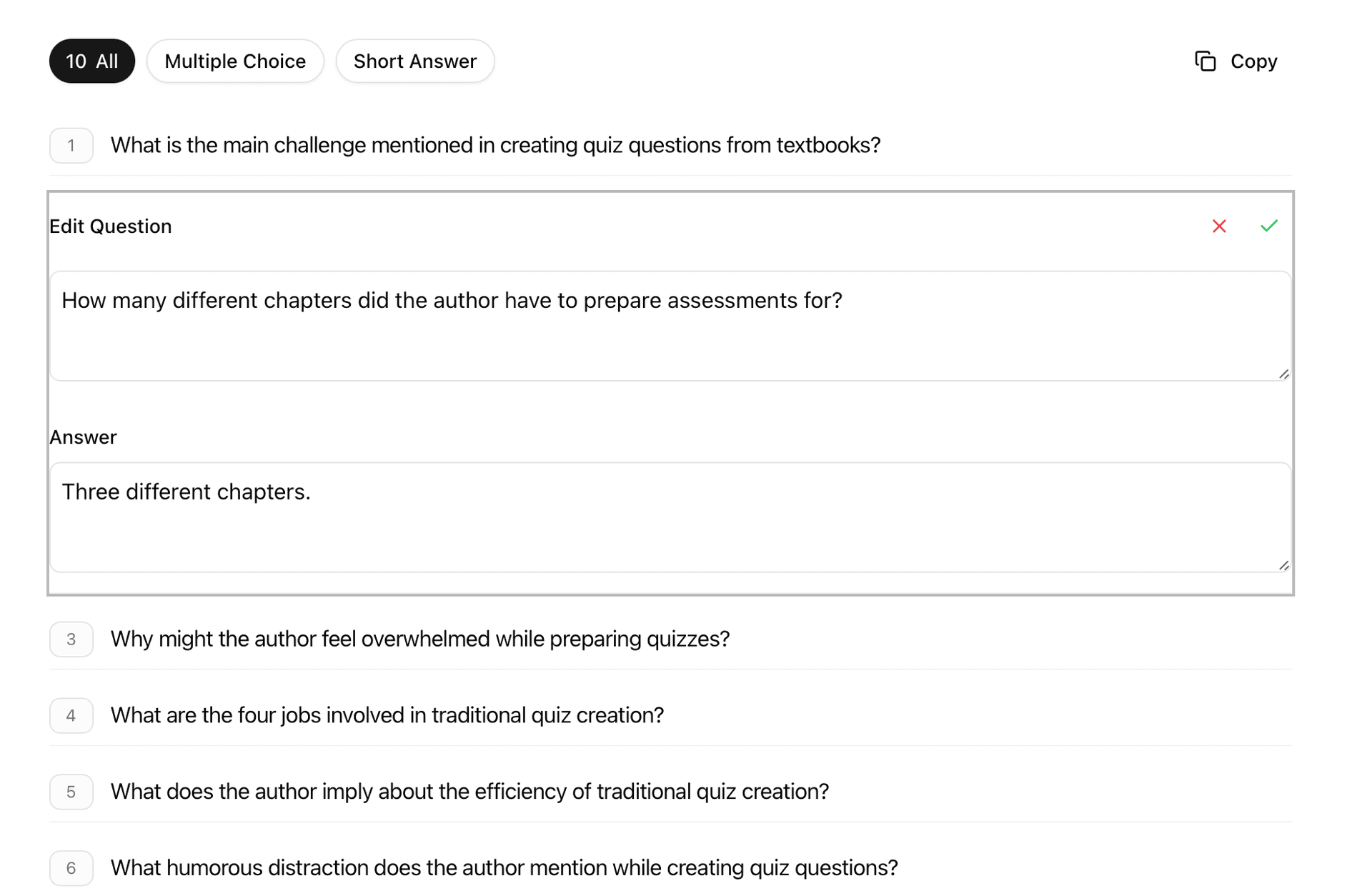
Paste a passage, notes, or a topic. Make Questions turns it into a useful first draft.
- Multiple choice, true/false, and short answer
- Control the number of questions
- Match the reading level
- Guide the focus with custom instructions
Refine
Shape Questions Before They Reach Learners
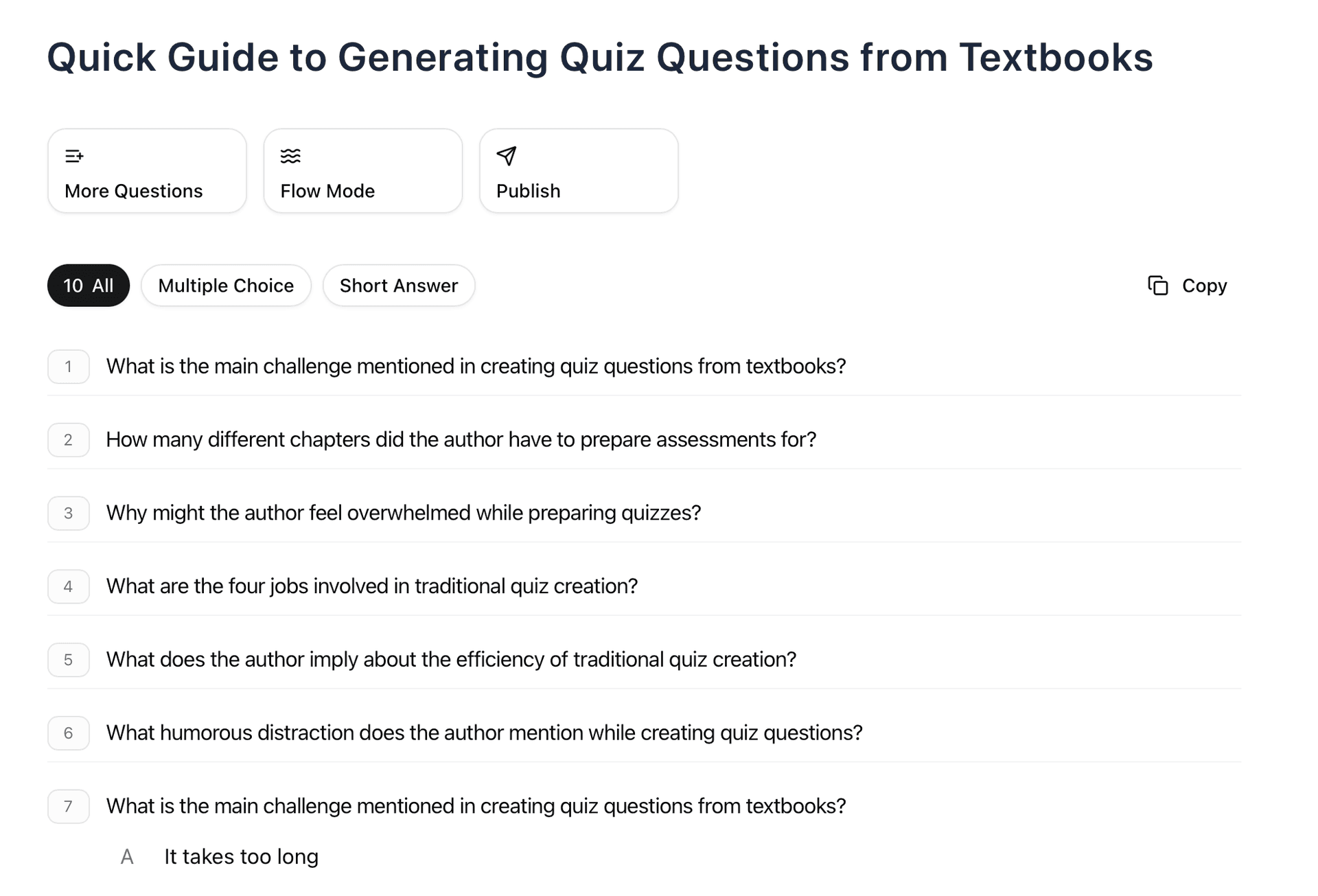
Keep what works. Change what does not. Build a set that fits the lesson.
- Edit wording, choices, and answers
- Add explanations
- Create alternatives
- Keep sessions for later
Share
Move From Draft to Use
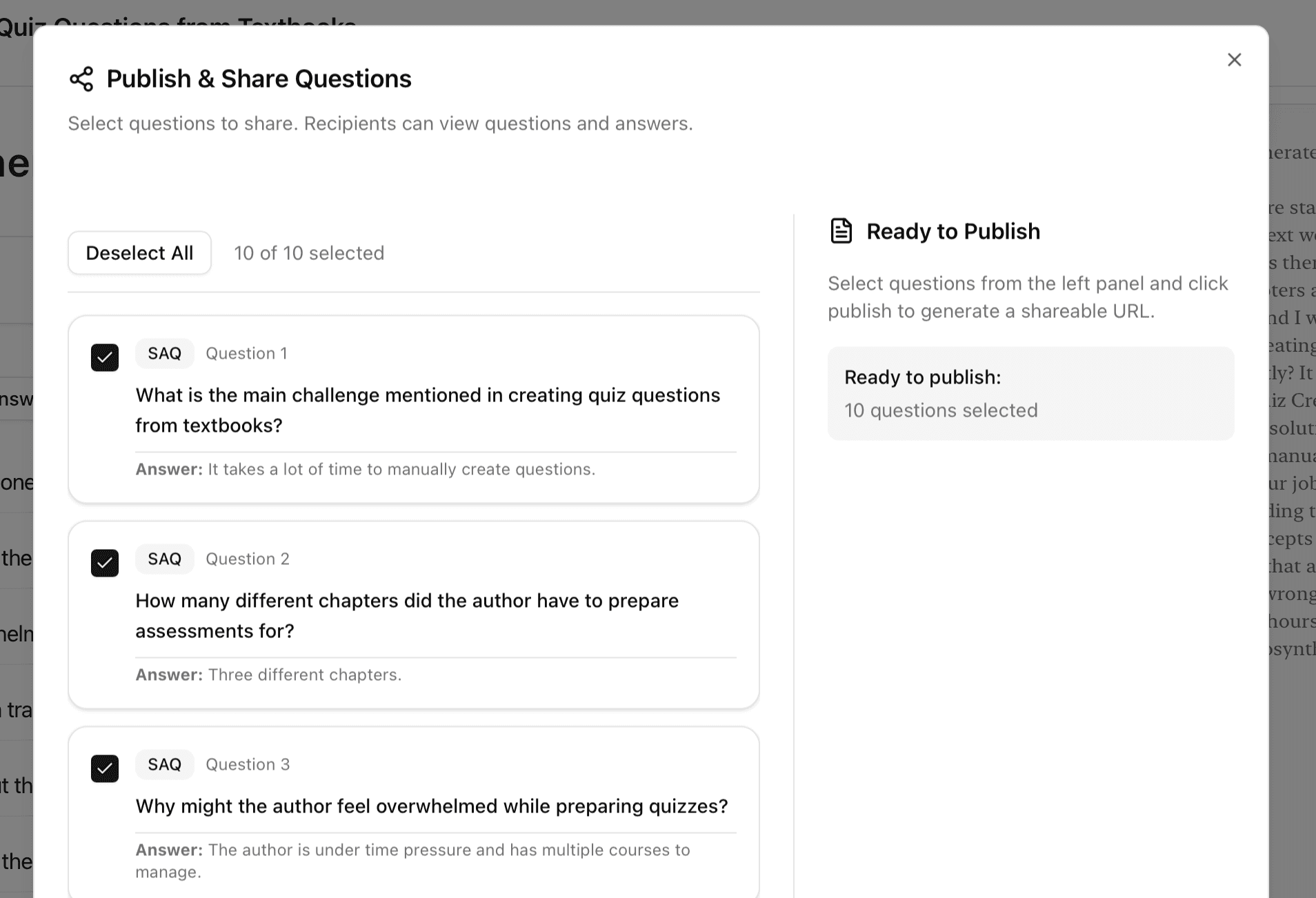
When the questions are ready, send them where they need to go.
- Share with a link
- Publish selected questions
- Export for class materials
- Reuse question sets
Ready to make questions for learning?
Start with a passage, a topic, or a rough idea.